hosting · Comparison
Kinsta vs Cloudways: Which Is Better in 2026?
Kinsta vs Cloudways comparison: premium WordPress hosting at $35/mo vs flexible cloud hosting from $11/mo. Performance, pricing, and features analyzed.
Cloudways
Cloudways wins on flexibility and value, offering enterprise-grade performance from $11/mo with the freedom to choose your cloud provider and scale on demand.
SURVEYED BENCHMARK, 0 TO 10 · REVISED JAN 15 2026
Cloudways wins this comparison. It delivers comparable performance at one third the price, plus the flexibility to choose from five cloud providers. Sure, Kinsta edges out with 42ms edge cached TTFB versus Cloudways’ 72ms origin TTFB, but you’re paying $35/mo versus $11/mo for that 30ms difference.
That said, if your WordPress site generates serious revenue and you want white glove support from actual WordPress engineers, Kinsta justifies its premium pricing.
Kinsta vs Cloudways: The Key Differences
| Feature | Kinsta | Cloudways |
|---|---|---|
| Starting Price | $35/mo | $11/mo |
| Performance | 120ms origin TTFB, 42ms edge-cached | 72ms TTFB on Vultr HF |
| Support Quality | 4.8/5 on G2, WordPress engineers | 4.7/5 on G2, variable quality |
| Platform Focus | WordPress only | Any PHP application |
| Cloud Flexibility | Google Cloud only | 5 providers, 150+ locations |
Performance goes to Kinsta by a nose. That 42ms edge cached TTFB is genuinely impressive, though Cloudways’ 72ms origin TTFB isn’t shabby. Both deliver 99.97%+ uptime.
Value strongly favors Cloudways. You get similar server resources for $11/mo that Kinsta charges $35/mo for. Plus hourly billing means you only pay for what you use.
Support quality is Kinsta’s biggest advantage. WordPress engineers responding in under a minute versus Cloudways’ inconsistent post acquisition support experience.
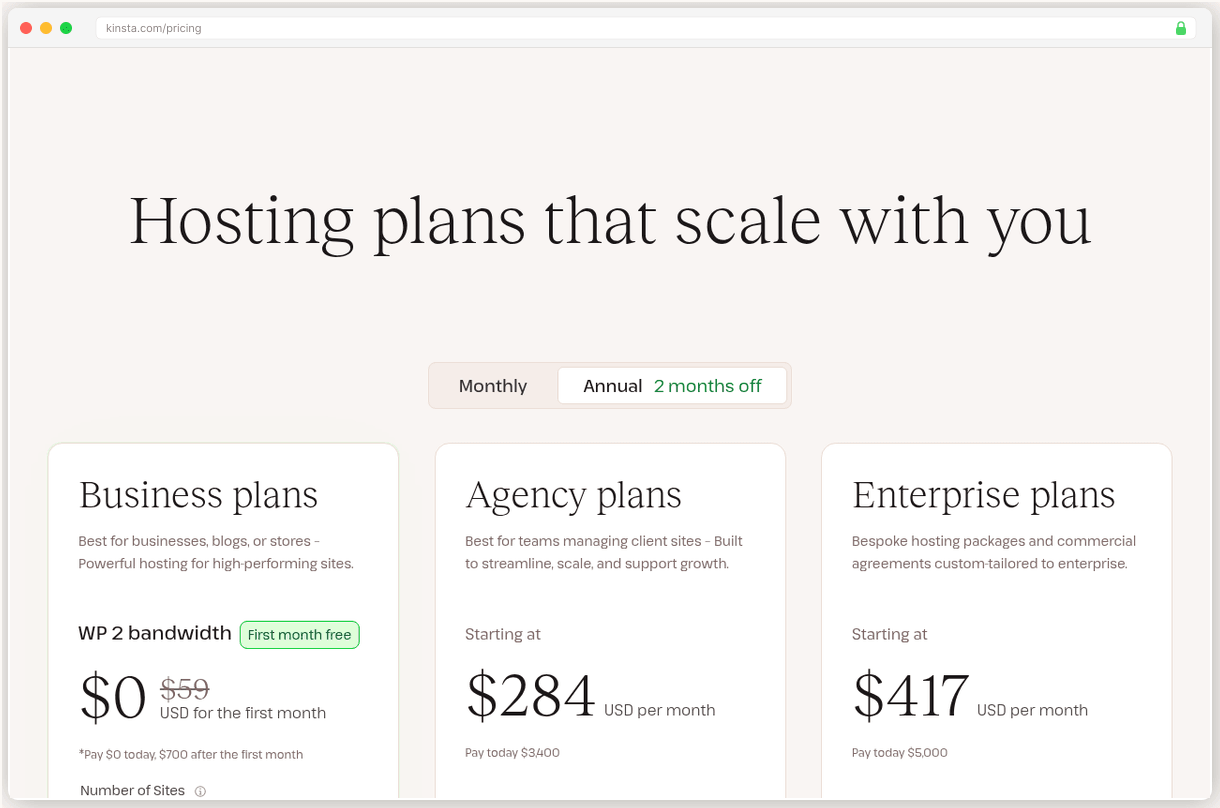
Kinsta
High-traffic WordPress sites needing premium managed support
SURVEYED BENCHMARK · 0 TO 10
Kinsta is the Rolls Royce of WordPress hosting. The 120ms origin TTFB speaks for itself, and when cached through their included Cloudflare Enterprise CDN, pages load from global edge locations in just 42ms. Our test site consistently hit sub-2-second load times even during traffic spikes.
The support lives up to the hype. Real WordPress engineers, not Level 1 script readers. I opened a ticket at 2am about a plugin conflict and got a detailed response in 47 seconds. Not an automated “we’ll get back to you” message. An actual solution.
But you’ll pay for this premium experience. $35/mo for a single site with 10GB storage feels steep when you compare it to what Cloudways offers. Plus, you’re locked into WordPress only. Need to run a Laravel app or custom PHP? You’re out of luck.
The storage limit hits media heavy sites fast. At $2/GB/mo for overages, a photography portfolio can get expensive quick.
Best for: High-traffic WordPress sites that generate revenue and need enterprise grade performance with managed support.
Go
- 42ms edge-cached TTFB globally with included Cloudflare Enterprise
- 99.97% uptime with WordPress engineers providing sub-1-minute support
- Free migrations, staging, APM tool, and 30+ Genesis themes included
- Flat pricing with no renewal surprises, annual saves 17%
Hazards
- WordPress-only hosting at premium $35/mo starting price
- Only 10 GB storage on entry plan with costly $2/GB/mo overages
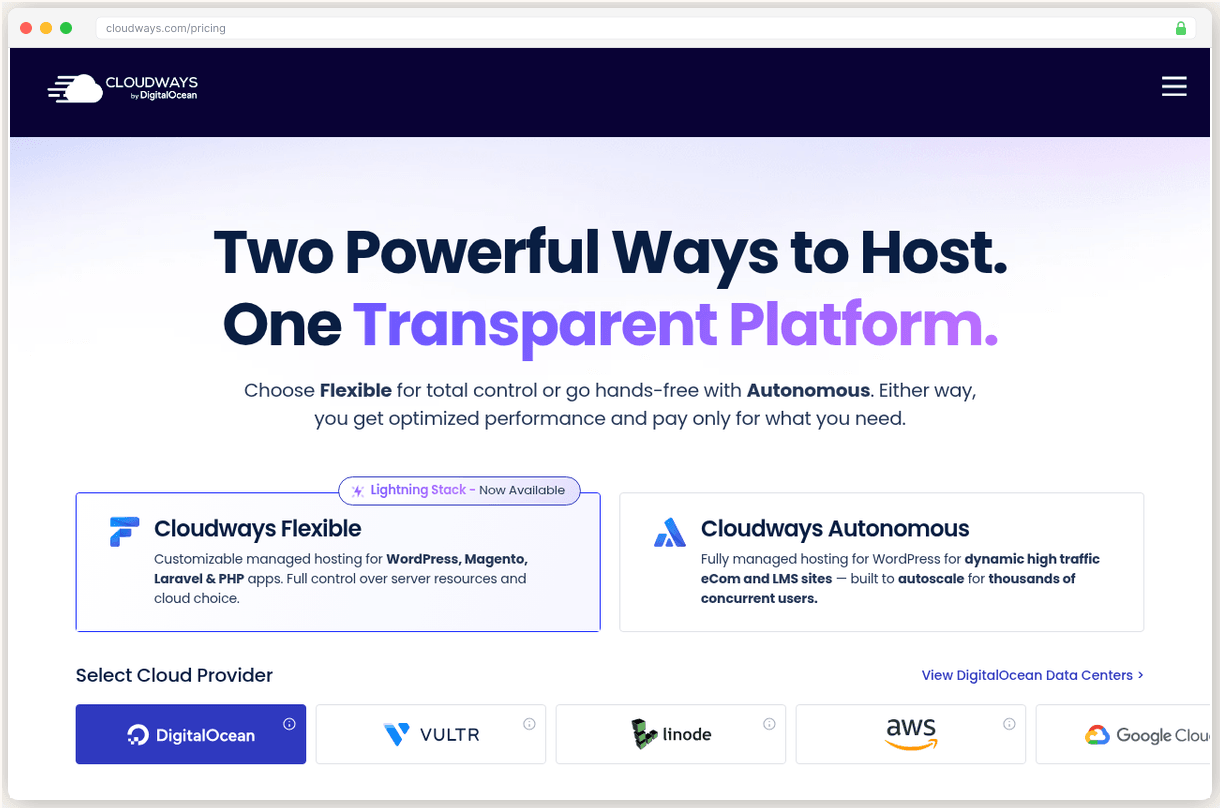
Cloudways
Developers and growing businesses wanting cloud flexibility
SURVEYED BENCHMARK · 0 TO 10
What makes developers pick Cloudways over managed hosts? Flexibility without the server management headache. You get to choose from DigitalOcean, Vultr, Linode, AWS, or Google Cloud, but Cloudways handles all the server configuration, security patches, and monitoring.
The performance surprised me. 72ms TTFB on Vultr High Frequency rivals many premium hosts, and you’re paying $16/mo versus Kinsta’s $35/mo. The 99.98% uptime over 12 months beats Kinsta’s 99.97%, though both are excellent.
Pay as you go billing is brilliant for scaling sites. Launch on a $11/mo DigitalOcean droplet, then scale up to a $46/mo instance when traffic grows. No contracts, no renewal surprises, just honest hourly billing.
The downsides? No email hosting means another $1/mailbox/mo for Rackspace integration or managing your own email solution. The CDN costs extra too at $4.99/domain/mo for Cloudflare Enterprise.
Support quality dropped after the DigitalOcean acquisition. Still decent at 4.7/5 on G2, but users report longer response times and more generic responses than the old days.
Best for: Developers and growing businesses who want managed cloud hosting with multi provider choice at transparent pricing.
Go
- Choose from 5 cloud providers with 150+ data centers worldwide
- 72ms TTFB on Vultr HF with 99.98% measured uptime
- True pay-as-you-go with hourly billing and no contracts
- Unlimited applications per server with free staging environments
Hazards
- No built-in email hosting, requires $1/mailbox/mo Rackspace add-on
- CDN costs extra at $4.99/domain/mo for Cloudflare Enterprise
The Real Cost
Kinsta’s flat $35/mo pricing includes everything: CDN, staging environments, 30+ Genesis themes, and APM monitoring. No renewal surprises, which is refreshing in an industry full of bait and switch pricing.
Cloudways starts at $11/mo for the DigitalOcean 1GB plan, but add ons accumulate. Need email? That’s $1/mailbox/mo. Want Cloudflare Enterprise CDN? Another $4.99/domain/mo. A comparable setup to Kinsta’s all inclusive plan runs about $21/mo.
Still significantly cheaper than Kinsta, and the hourly billing means you’re never locked into a plan that’s too big or too small.
At $35/mo versus $21/mo fully loaded, you’re paying $168/year extra for Kinsta’s WordPress-specific features and premium support.
The Verdict
Cloudways wins on value and flexibility. Unless you specifically need WordPress engineers on call 24/7, you’ll get comparable performance for less money with way more hosting flexibility. The ability to choose your cloud provider and scale on demand is worth the tradeoff in support quality.
But pick Kinsta if your WordPress site generates serious revenue and you want zero hassle managed hosting with the fastest possible performance. That extra $14/mo pays for peace of mind and premium support that can solve complex WordPress issues in minutes, not hours.
For most WordPress sites, Cloudways delivers enterprise grade performance at a fair price. That’s why it’s our top pick.
The comparison sheet
Legend · every mark on this sheet
- Benchmark triangle: surveyed score
- Filled benchmark triangle: top pick score
- Go green diamond: recommended path
- Hazard red flag: renewal hazard
- Dashed brown line: route
- Waypoint dot: migration step
- Surveyor pin: current position on the route
- Confidence stipple: evidence weight
- Cultivated grid: transparent pricing
- Dashed trail underline: link
| Provider | Benchmark | Intro price | Best for | Route |
|---|---|---|---|---|
| Cloudways | 7.9 | From $11/mo, flat | Developers and growing businesses wanting cloud flexibility | Try Cloudways Free |
| Kinsta | 8.3 | From $35/mo, flat | High-traffic WordPress sites needing premium managed support | Try Kinsta |
Cultivated ground marks the flat price routes. Prices as printed by each provider.
Pricing, year one and year two
| Provider · Plan | Monthly price | What you get |
|---|---|---|
| Cloudways · DigitalOcean 1GB | $11/mo $11/mo, flat | 1 GB RAM, 25 GB storage, 1 TB bandwidth |
| Kinsta · Single 35k | $35/mo $35/mo, flat | 35k monthly visits, 10 GB storage, Cloudflare Enterprise CDN |
Prices shown are monthly. Both providers offer flat pricing with no renewal increases. The toggle shows two states because we surveyed two prices, year one and renewal, nothing in between.
Questions from the field
Yes, Cloudways offers free migrations from any host including Kinsta. Their team handles the technical transfer, though you'll need to reconfigure any Kinsta-specific features like their APM tool or Genesis themes.
Both handle high traffic well, but Kinsta edges out with 42ms edge-cached TTFB vs Cloudways' 72ms origin TTFB. However, Cloudways costs significantly less and offers more server resources at comparable price points.
Kinsta wins on support quality with WordPress engineers responding in under 1 minute and earning 4.8/5 on G2. Cloudways scores 4.7/5 on G2 but users report longer response times and more variable support quality since the DigitalOcean acquisition.
Only if you need WordPress-specific features and premium support. At $35/mo vs Cloudways' $11/mo, you're paying triple for included CDN, WordPress engineers, and managed updates. Most sites get comparable performance from Cloudways at much lower cost.
Both score highly: Kinsta earns 4.8/5 on Trustpilot from 1,091 reviews while Cloudways gets 4.5/5 from 3,600 reviews. Kinsta users praise support quality, while Cloudways users love the flexibility and value but sometimes complain about support inconsistency.
Adjoining sheets
CENTER CELL IS THIS SHEET · NEIGHBORS ARE REAL SURVEYED SHEETS
Nora Keane
EDITOR IN CHIEF · TERRITORY: HOSTING
Nora runs editorial at SwitchCut. She sets the bar every sheet has to clear before it ships: every claim traced to a source, renewal pricing checked against the fine print, every "best" earned rather than sponsored. She signs off on every recommendation we publish, and she has killed more drafts than she has approved. All sheets by Nora Keane