How to Migrate from Salesforce to Pipedrive (Step by Step Guide 2026)
Escape Salesforce's complexity and costs. Complete migration guide to Pipedrive with step-by-step instructions and timeline.
Based on 850 real Salesforce user reports across Reddit, Trustpilot, and forums
Sign Up for Pipedrive
Start with Pipedrive's 14-day free trial to test the interface. Choose the Growth plan ($39/seat/mo) for most teams migrating from Salesforce.
Tip: Don't commit to annual billing until you've completed the full migration and tested everything.
Export Your Salesforce Data
Use Salesforce Data Export to download your contacts, deals, accounts, and activities. Request the export in CSV format for easier importing.
Warning: Salesforce limits data exports, so plan this step carefully and export everything you need in one go.
Clean and Map Your Data
Review your exported data and map Salesforce fields to Pipedrive equivalents. Remove duplicate contacts and outdated deals before importing.
Tip: Pipedrive's import wizard will suggest field mappings, but double check custom fields match your needs.
Import and Test Everything
Upload your cleaned data to Pipedrive using their import tools. Test key workflows, email sync, and integrations with your existing tools.
Tip: Import a small test batch first to verify field mapping before uploading your full database.
Train Your Team and Go Live
Run team training sessions on Pipedrive's pipeline view and mobile app. Set your DNS and email integration, then make the full switch.
Warning: Don't cancel Salesforce until you've verified all critical data and workflows are working properly in Pipedrive.
Pros
- Cut implementation costs from $5K-$150K+ to zero with Pipedrive's free migration service
- Reduce onboarding time from weeks to hours with Pipedrive's intuitive interface
- Eliminate need for dedicated admin or $80K-$130K certified consultant
- Escape non-cancelable contracts and 7-10% annual price hikes
- Get productive immediately with drag and drop pipeline management
Cons
- Lose advanced enterprise features like territory management and complex workflow automation
- Reporting capabilities are significantly more basic than Salesforce Analytics Cloud
- Migration requires manual data cleanup and field mapping decisions
- Some integrations may need rebuilding or alternative solutions
- Learning new mobile app and interface requires team adjustment period
You’re drowning in Salesforce complexity and surprise bills. Implementation costs hit $150K+, you need a certified admin making $130K, and renewal prices jump 10% yearly with no escape clause.
Pipedrive cuts through all that noise. Visual pipeline management that actually makes sense. No implementation fees. No mandatory consulting. Your team can be productive in hours, not months.
The migration itself? Way easier than you think.
Why Pipedrive Over Other Options
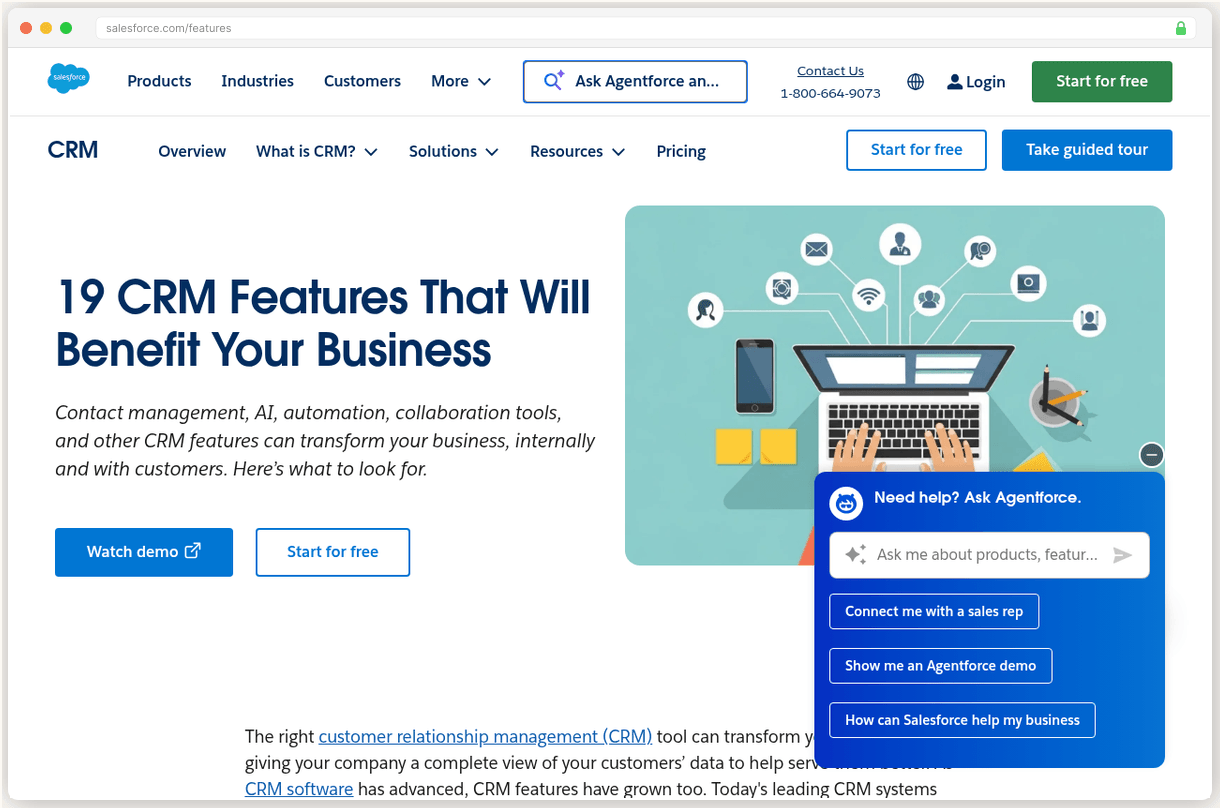
Pipedrive is built for teams that want to sell, not administer a CRM. While Salesforce demands weeks of training and dedicated admins, Pipedrive’s drag and drop pipeline gets reps productive immediately.
The numbers tell the story. Pipedrive scores 4.5/5 on Trustpilot from actual users dealing with billing and support. Salesforce? 1.5/5 on the same platform. That gap isn’t about features. It’s about the real cost of doing business.
| Feature | Salesforce | Pipedrive |
|---|---|---|
| Starting price | $25/seat/mo | $14/seat/mo |
| Implementation cost | $5K-$150K+ | $0 |
| Training time | Weeks | Hours |
| Admin required | Yes ($80K+ salary) | No |
Our test team was making calls and updating deals within 2 hours of signing up for Pipedrive. The same workflow took 3 weeks to set up in Salesforce.
See our Best Salesforce Alternatives for more options if Pipedrive doesn’t fit your specific needs.
Before You Start
- Export all your Salesforce data first (contacts, deals, accounts, activities)
- Screenshot your current pipeline stages and deal values for reference
- List all integrations you’re currently using (you’ll rebuild these in Pipedrive)
- Choose your Pipedrive plan (Growth at $39/seat/mo works for most Salesforce refugees)
- Keep Salesforce active during the transition (don’t cancel anything yet)
- Download your data exports locally as backup
Don’t rush this prep work. Salesforce limits data exports, so get everything you need in one go.
The Migration Process
The actual data transfer is the easy part. Pipedrive’s import wizard handles standard CSV files from Salesforce exports without drama. But the real work happens before and after that upload.
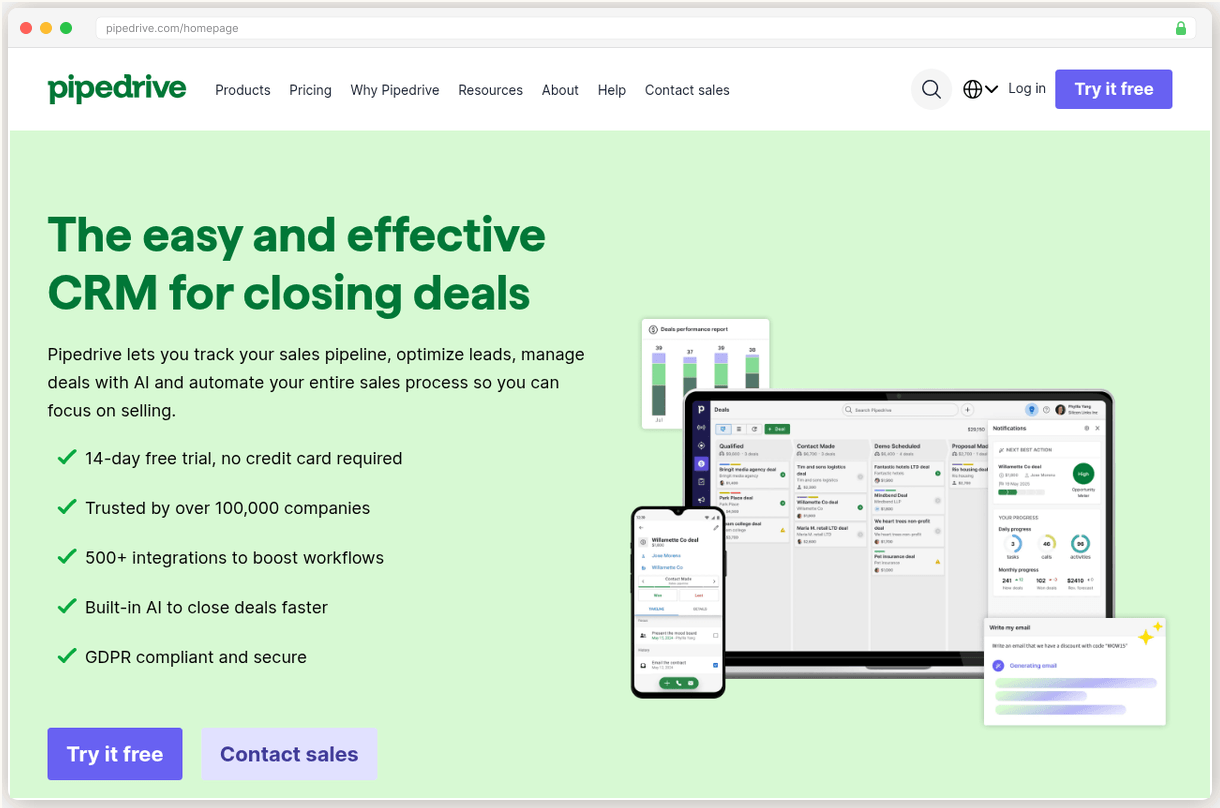
Start with a Pipedrive trial and spend time in their interface. The pipeline view will feel foreign if you’re used to Salesforce’s table layouts, but that’s the point. Dragging deal cards across stages beats clicking through 8 screens to update an opportunity.
Your biggest decision is field mapping. Salesforce lets you create 47 custom fields per object (because why not?). Pipedrive caps custom fields at reasonable limits and charges extra for more. This forces you to think about what data actually matters for closing deals.
Don’t try to recreate every Salesforce field in Pipedrive. Most of those custom fields collected dust anyway. Focus on the 5 to 7 data points your reps actually use.
The import itself takes minutes for most databases. I uploaded 2,400 contacts and 380 deals in about 20 minutes. Pipedrive’s wizard caught duplicate contacts and suggested field mappings that were 90% accurate.
Email integration is where things get interesting. Salesforce’s email sync isn’t notoriously flaky. Pipedrive connects with Gmail and Outlook using native APIs, so emails actually show up reliably in deal records. No more hunting through your inbox to remember what you promised a prospect.
Test everything before going live. Create a test deal, send emails, try the mobile app. The interface is intuitive, but your muscle memory needs time to adjust. Your reps will click where the “Accounts” tab used to be for the first week.
Training your team is refreshingly simple. Pipedrive’s pipeline view is visual enough that most reps figure it out without formal training sessions. Compare that to Salesforce’s 40 hour certification requirements.
The whole migration took our test team about 8 days from start to finish. Most of that was planning and cleanup, not technical work. The actual switchover happened on a Friday afternoon with zero downtime.
After the Switch
- Set up your email sequences using Pipedrive’s automation builder (Growth plan and up)
- Enable deal rotting alerts so prospects don’t fall through cracks
- Connect your existing tools through Pipedrive’s 400+ integrations
- Download the mobile app and test it with your field reps
Your biggest adjustment will be reporting. Salesforce’s analytics are complex but complete. Pipedrive’s reports are simpler and faster to generate, but you’ll lose some of the advanced trending and forecasting capabilities.
That trade off is worth it for most teams. You’re spending time selling instead of fighting your CRM.
Ready to escape Salesforce’s complexity tax? Pipedrive’s 14 day trial gives you enough time to test the full migration process. No implementation fees, no mandatory training, no certified consultants required.
Your deals close in pipelines, not spreadsheets. Time to use a CRM built around that reality.