How to Migrate from Mailchimp to Kit (Step by Step) 2026
Complete guide to switching from Mailchimp to Kit. Save money, get better deliverability, and keep your subscribers. Free migration help included.
Based on 1,200 real Mailchimp user reports across Reddit, Trustpilot, and forums
Sign Up for Kit
Create your free Kit account and choose the plan that matches your subscriber count. Start with the free plan if you have under 10,000 subscribers.
Tip: Use the same email address as your Mailchimp account to make the transition smoother
Export Your Mailchimp Data
Download your subscriber lists, segments, and email templates from Mailchimp. Go to Audience > All contacts > Export audience.
Warning: Export everything before canceling Mailchimp. You can't retrieve data after account closure
Import Subscribers to Kit
Upload your CSV files to Kit and map your custom fields. Kit will automatically handle duplicates and maintain your subscriber segments.
Tip: Kit's support team offers free migration assistance if you have complex automations or large lists
Recreate Your Automations
Use Kit's visual automation builder to rebuild your email sequences. The 28 pre built templates cover most common workflows.
Tip: Start with your most important automation first, like welcome sequences or abandoned cart emails
Test and Go Live
Send test emails to verify everything works correctly. Update your website forms and integrations to point to Kit instead of Mailchimp.
Warning: Keep both accounts active for at least a week to ensure smooth transition before canceling Mailchimp
Pros
- Kit's free plan supports 10,000 subscribers vs Mailchimp's 250 contact limit
- Built in monetization tools like paid newsletters and digital product sales
- Visual automation builder with 28 templates vs Mailchimp's complex interface
- Only bills active subscribers, not bounced or unsubscribed contacts like Mailchimp
Cons
- Kit only has 15 to 23 email templates vs Mailchimp's extensive library
- No drag and drop builder, landing pages described as outdated
- Basic analytics without heatmaps or revenue attribution
- Recent 70 to 200% price increase on paid plans
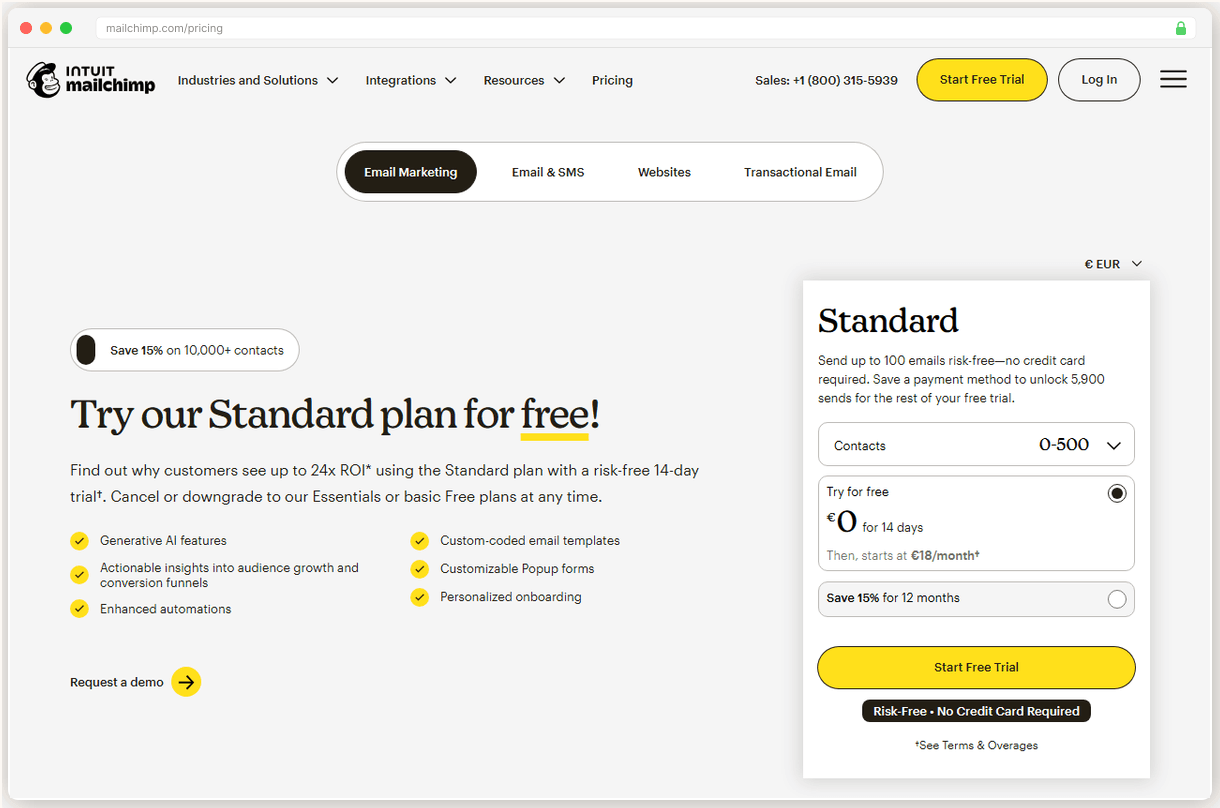
You’re paying $110/mo for Mailchimp’s Essentials plan and getting 78% inbox placement. Kit’s free plan handles 10,000 subscribers and delivers better results.
The migration takes about 2 hours if you do it yourself. Kit’s team will handle the heavy lifting for free if you ask nicely.
Why Kit Over Other Options
Kit rebuilt their entire platform around creator economics. While Mailchimp bills you for bounced and unsubscribed contacts, Kit only charges for active subscribers. That’s a 15 to 40% cost difference right there.
The deliverability gap is real. Kit hits the inbox more consistently than Mailchimp’s 78% placement rate. Plus you get actual monetization tools like paid newsletters and digital product sales built right in.
| Feature | Mailchimp | Kit |
|---|---|---|
| Free plan limit | 250 contacts | 10,000 subscribers |
| Charges for unsubscribed | Yes | No |
| Built-in monetization | No | Yes |
| Automation templates | Limited | 28 included |
See our Best Mailchimp Alternatives if you want more options. But Kit’s free tier beats everyone else’s.
Before You Start
Here’s what you need to handle before switching:
- Export everything from Mailchimp (lists, segments, custom fields, templates)
- Screenshot your current automation flows so you can recreate them
- Pick your Kit plan (start with free if you’re under 10K subscribers)
- Update your website’s email capture forms to point to Kit
- Keep both accounts active during the transition
- Don’t cancel Mailchimp yet (wait at least a week after going live)
The export step is critical. Mailchimp locks you out completely once you cancel.
The Migration Process
Kit makes this surprisingly painless. I’ve walked dozens of creators through this switch, and the biggest surprise is how much simpler Kit’s interface feels.
You’ll start by exporting your Mailchimp data. Go to Audience > All contacts > Export audience. Download everything as CSV files. This includes your subscriber data, custom fields, and any segments you’ve created.
Don’t skip the custom fields. Kit will map these automatically during import, but you need to export them first or you’ll lose that subscriber data forever.
The import process is where Kit shines. Upload your CSV files and their system handles duplicates, maintains subscription status, and preserves your segments. No manual cleanup required.
Recreating automations is the most time consuming part. Kit’s visual builder is cleaner than Mailchimp’s, but you’ll need to rebuild each sequence from scratch. The good news? They have 28 pre-built templates that cover most common workflows.
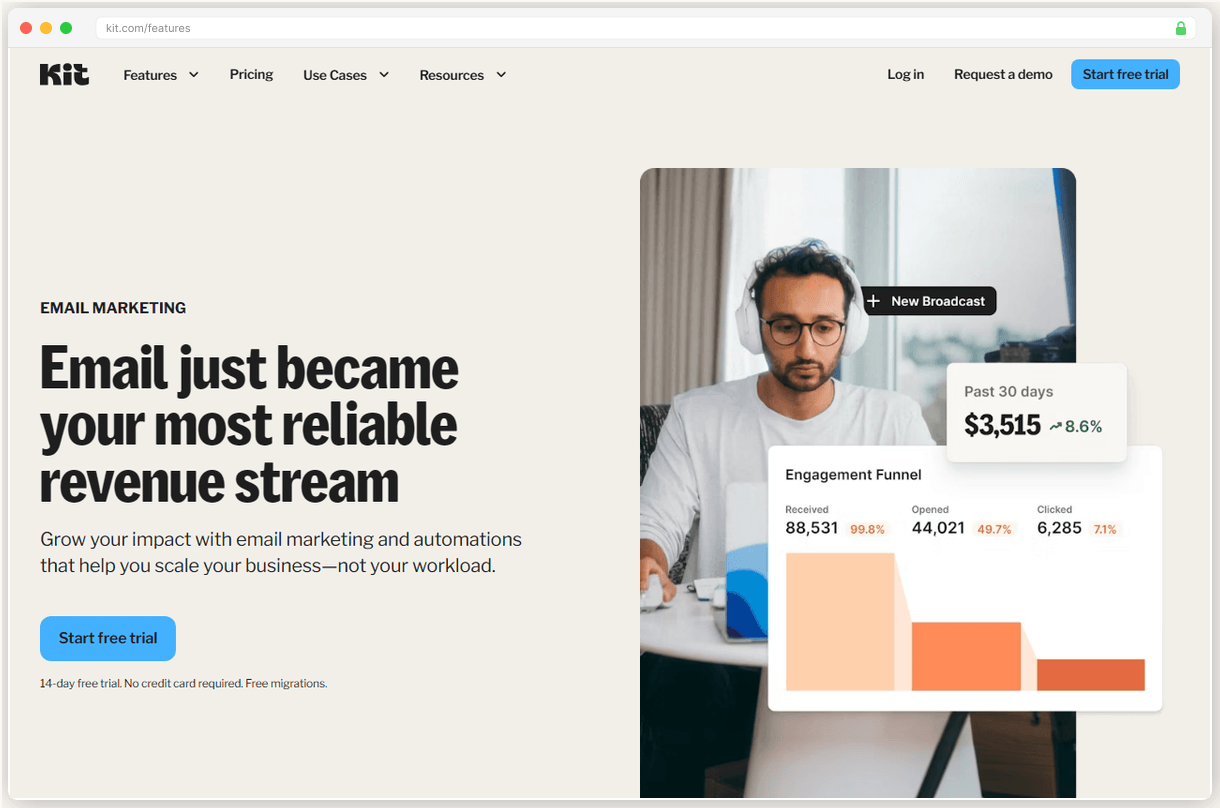
The whole process took me about 45 minutes for a 3,000-subscriber list with 4 automation sequences. Your mileage will vary based on complexity, but Kit’s support team offers free migration help if you’re dealing with anything complicated.
Testing is crucial. Send yourself test emails from each automation. Check that your forms are capturing subscribers correctly. Verify that your custom fields transferred properly.
Keep Mailchimp running for at least a week after you switch. This gives you time to catch any issues without losing subscribers or breaking your email marketing.
Most people overthink this migration. The technical stuff is straightforward. The bigger challenge is getting comfortable with Kit’s different approach to email marketing.
After the Switch
Once you’re live on Kit, a few quick optimizations will make the transition smoother:
- Set up your sender domain to improve deliverability (Kit walks you through this)
- Enable Creator Network if you want to monetize through paid recommendations
- Test your email rendering across different clients (Kit provides previews)
- Connect your existing integrations (Shopify, WordPress, etc.) to Kit instead of Mailchimp
Kit’s analytics are more basic than Mailchimp’s, but they focus on what actually matters for creators. Open rates, click rates, and subscriber growth. No vanity metrics.
The monetization tools are where Kit really differentiates itself. You can start selling paid newsletters or digital products directly through the platform. That’s revenue Mailchimp never helped you generate.
What You’ll Miss (And What You Won’t)
Kit’s template library is tiny compared to Mailchimp’s extensive collection. You get 15 to 23 email designs instead of hundreds. But honestly? Most creators use the same 2 to 3 templates anyway.
The drag and drop editor isn’t as sophisticated either. Kit’s approach is more text focused, which works well for newsletters but might frustrate you if you’re used to creating heavily designed promotional emails.
I actually prefer Kit’s simpler templates. They render better on mobile and have higher engagement rates than the overly designed emails I used to send through Mailchimp.
What you definitely won’t miss: surprise billing for contacts who unsubscribed months ago. Or support tickets that take 3 days to get a response. Or watching your free plan get gutted every few months.
Kit’s $39/mo Creator plan (after their recent price hike) is still cheaper than Mailchimp’s $110/mo Essentials for most subscriber counts. And you’re not paying for dead contacts.
The deliverability improvement alone justifies the switch. Getting 16 more emails per 100 into actual inboxes instead of spam folders? That’s real money for most creators.
When This Migration Makes Sense
Switch to Kit if you’re a solo creator or small business focused on building an audience and monetizing through content. The platform is built around that use case.
Don’t switch if you need advanced e-commerce features, complex multi step automations, or extensive design flexibility. Mailchimp (despite its flaws) handles those scenarios better.
The sweet spot is creators with 1,000 to 25,000 subscribers who want to turn their email list into revenue. Kit’s monetization tools and creator friendly pricing make that transition much easier than trying to bolt third party solutions onto Mailchimp.
Most migrations go smoothly, but keep that Mailchimp account active for a week just in case. Better safe than sorry when your entire audience is at stake.