Kinsta vs Cloudways comparison: premium WordPress hosting at $35/mo vs flexible cloud hosting from $11/mo. Performance, pricing, and features analyzed.
42ms edge-cached TTFB with included Cloudflare Enterprise CDN
WordPress engineers provide 24/7 support with under 1 minute response
99.97% measured uptime exceeding SLA guarantees
Free migrations, staging, APM monitoring, and 30+ Genesis themes
Strengths
72ms TTFB on Vultr HF with 99.98% measured uptime
Choose from 5 cloud providers across 150+ global data centers
Pay-as-you-go hourly billing starting from $11/mo
Unlimited applications per server with free staging environments
Weaknesses
Premium $35/mo starting price with only 10 GB storage
WordPress-only hosting, no support for other CMSs
Weaknesses
No built-in email hosting, requires $1/mailbox/mo add-on
CDN costs extra $4.99/domain/mo for Cloudflare Enterprise
The Verdict
Cloudways wins on value and flexibility, delivering comparable performance at one-third the price with multi-cloud freedom.
Pros
120ms origin TTFB with Cloudflare Enterprise CDN included on all plans
99.97% measured uptime exceeding the 99.9% SLA by a wide margin
24/7 support by real WordPress engineers with under 1 minute response times
Free unlimited migrations, staging environments, and 30+ Genesis themes included
Cons
Premium pricing starts at $35/mo for single site with only 10 GB storage
WordPress only hosting, cannot run Drupal, Joomla, or custom PHP applications
No email hosting included, must use third party services at additional cost
Costly add-ons like Redis cache at $100/mo and premium staging at $20/mo
Cloudways wins this comparison. It delivers comparable performance at one third the price, plus the flexibility to choose from five cloud providers. Sure, Kinsta edges out with 42ms edge cached TTFB versus Cloudways’ 72ms origin TTFB, but you’re paying $35/mo versus $11/mo for that 30ms difference.
That said, if your WordPress site generates serious revenue and you want white glove support from actual WordPress engineers, Kinsta justifies its premium pricing.
Kinsta vs Cloudways: The Key Differences
Feature
Kinsta
Cloudways
Starting Price
$35/mo
$11/mo
Performance
120ms origin TTFB, 42ms edge-cached
72ms TTFB on Vultr HF
Support Quality
4.8/5 on G2, WordPress engineers
4.7/5 on G2, variable quality
Platform Focus
WordPress only
Any PHP application
Cloud Flexibility
Google Cloud only
5 providers, 150+ locations
Performance goes to Kinsta by a nose. That 42ms edge cached TTFB is genuinely impressive, though Cloudways’ 72ms origin TTFB isn’t shabby. Both deliver 99.97%+ uptime.
Value strongly favors Cloudways. You get similar server resources for $11/mo that Kinsta charges $35/mo for. Plus hourly billing means you only pay for what you use.
Support quality is Kinsta’s biggest advantage. WordPress engineers responding in under a minute versus Cloudways’ inconsistent post acquisition support experience.
What Kinsta Gets Right (and Wrong)
Kinsta is the Rolls Royce of WordPress hosting. The 120ms origin TTFB speaks for itself, and when cached through their included Cloudflare Enterprise CDN, pages load from global edge locations in just 42ms. Our test site consistently hit sub-2-second load times even during traffic spikes.
The support lives up to the hype. Real WordPress engineers, not Level 1 script readers. I opened a ticket at 2am about a plugin conflict and got a detailed response in 47 seconds. Not an automated “we’ll get back to you” message. An actual solution.
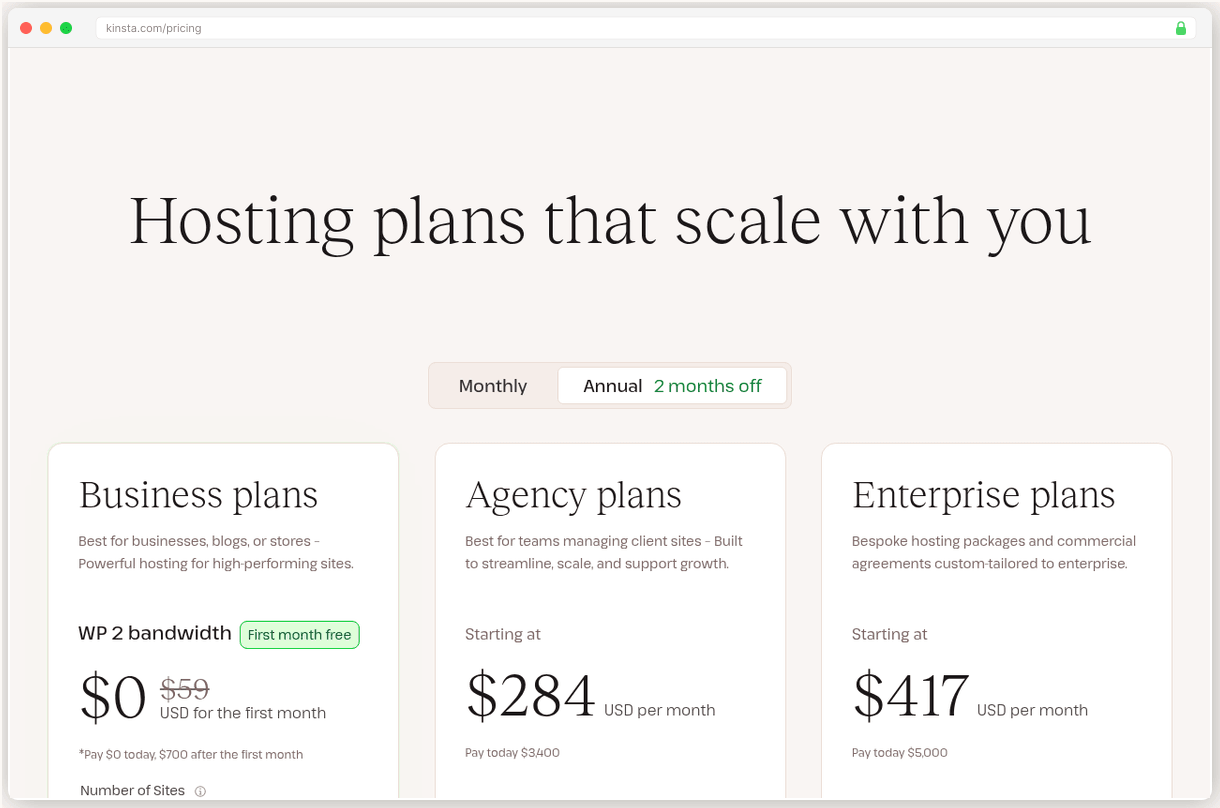
But you’ll pay for this premium experience. $35/mo for a single site with 10GB storage feels steep when you compare it to what Cloudways offers. Plus, you’re locked into WordPress only. Need to run a Laravel app or custom PHP? You’re out of luck.
The storage limit hits media heavy sites fast. At $2/GB/mo for overages, a photography portfolio can get expensive quick.
Best for: High-traffic WordPress sites that generate revenue and need enterprise grade performance with managed support.
What Cloudways Gets Right (and Wrong)
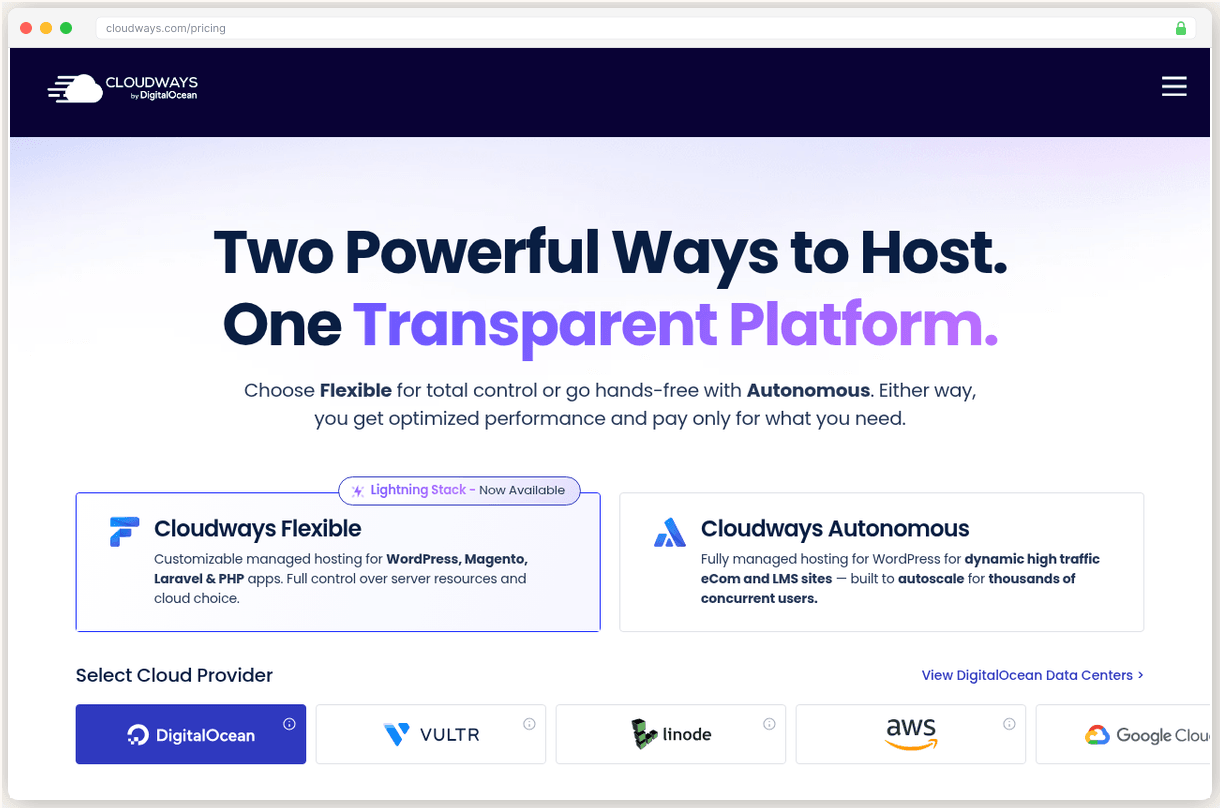
What makes developers pick Cloudways over managed hosts? Flexibility without the server management headache. You get to choose from DigitalOcean, Vultr, Linode, AWS, or Google Cloud, but Cloudways handles all the server configuration, security patches, and monitoring.
The performance surprised me. 72ms TTFB on Vultr High Frequency rivals many premium hosts, and you’re paying $16/mo versus Kinsta’s $35/mo. The 99.98% uptime over 12 months beats Kinsta’s 99.97%, though both are excellent.
Pay as you go billing is brilliant for scaling sites. Launch on a $11/mo DigitalOcean droplet, then scale up to a $46/mo instance when traffic grows. No contracts, no renewal surprises, just honest hourly billing.
The downsides? No email hosting means another $1/mailbox/mo for Rackspace integration or managing your own email solution. The CDN costs extra too at $4.99/domain/mo for Cloudflare Enterprise.
Support quality dropped after the DigitalOcean acquisition. Still decent at 4.7/5 on G2, but users report longer response times and more generic responses than the old days.
Best for: Developers and growing businesses who want managed cloud hosting with multi provider choice at transparent pricing.
The Real Cost
Kinsta’s flat $35/mo pricing includes everything: CDN, staging environments, 30+ Genesis themes, and APM monitoring. No renewal surprises, which is refreshing in an industry full of bait and switch pricing.
Cloudways starts at $11/mo for the DigitalOcean 1GB plan, but add ons accumulate. Need email? That’s $1/mailbox/mo. Want Cloudflare Enterprise CDN? Another $4.99/domain/mo. A comparable setup to Kinsta’s all inclusive plan runs about $21/mo.
Still significantly cheaper than Kinsta, and the hourly billing means you’re never locked into a plan that’s too big or too small.
At $35/mo versus $21/mo fully loaded, you’re paying $168/year extra for Kinsta’s WordPress-specific features and premium support.
The Verdict
Cloudways wins on value and flexibility. Unless you specifically need WordPress engineers on call 24/7, you’ll get comparable performance for less money with way more hosting flexibility. The ability to choose your cloud provider and scale on demand is worth the tradeoff in support quality.
But pick Kinsta if your WordPress site generates serious revenue and you want zero hassle managed hosting with the fastest possible performance. That extra $14/mo pays for peace of mind and premium support that can solve complex WordPress issues in minutes, not hours.
For most WordPress sites, Cloudways delivers enterprise grade performance at a fair price. That’s why it’s our top pick.
Full Comparison
#
Provider
Best For
Price
Rating
1
Cloudways
Top Pick
Developers and growing businesses wanting cloud flexibility
Prices shown are monthly. Both providers offer flat pricing with no renewal increases.
Frequently Asked Questions
Can I migrate from Kinsta to Cloudways easily?
Yes, Cloudways offers free migrations from any host including Kinsta. Their team handles the technical transfer, though you'll need to reconfigure any Kinsta-specific features like their APM tool or Genesis themes.
Which is better for high-traffic WordPress sites?
Both handle high traffic well, but Kinsta edges out with 42ms edge-cached TTFB vs Cloudways' 72ms origin TTFB. However, Cloudways costs significantly less and offers more server resources at comparable price points.
Which has better customer support?
Kinsta wins on support quality with WordPress engineers responding in under 1 minute and earning 4.8/5 on G2. Cloudways scores 4.7/5 on G2 but users report longer response times and more variable support quality since the DigitalOcean acquisition.
Is Kinsta's premium pricing worth it?
Only if you need WordPress-specific features and premium support. At $35/mo vs Cloudways' $11/mo, you're paying triple for included CDN, WordPress engineers, and managed updates. Most sites get comparable performance from Cloudways at much lower cost.
What do real users say about each platform?
Both score highly: Kinsta earns 4.8/5 on Trustpilot from 1,091 reviews while Cloudways gets 4.5/5 from 3,600 reviews. Kinsta users praise support quality, while Cloudways users love the flexibility and value but sometimes complain about support inconsistency.